

Organize Media Files with Smart Renaming
MediaSane efficiently and securely renames photos/videos using EXIF dates and clean prefixes while actively maintaining file integrity and providing safe preview-driven organization for your media collection
Download NowDownload Now
Over 8,500 Linux users worldwide trust MediaSane
Completely free and open-source
Rated 4.8/5 on GitHub


Advanced Renaming That Preserves File Integrity
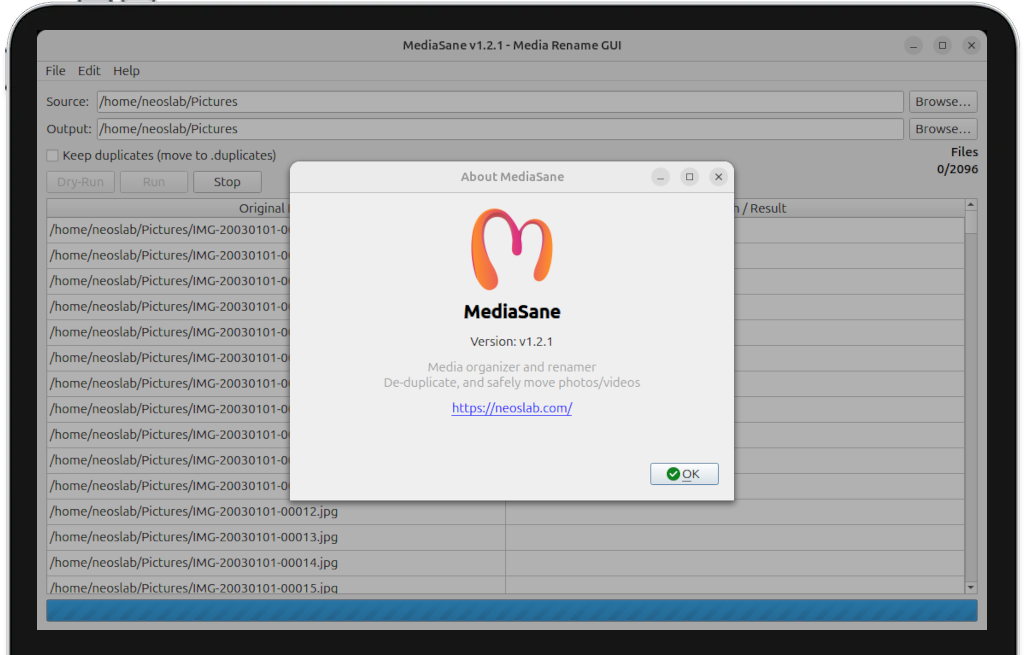
MediaSane combines intelligent metadata analysis with safety protocols to rename files while protecting original content and providing comprehensive preview before execution
Dry-run mode previews all rename actions before execution, ensuring complete control and transparency over every file operation
Comprehensive coverage includes image and video formats with EXIF extraction, duplicate detection, and configurable naming prefixes for each media category

Tailored Organization For Your Media Collection
Configure MediaSane precisely to match your specific unique needs with adjustable prefixes for different media types, date extraction priorities, and duplicate handling preferences
Intelligent algorithms extract dates from EXIF metadata, filename patterns, and file times while avoiding guesswork and maintaining accuracy
Configure image/video prefixes, choose duplicate handling (keep/delete), and select output directories with complete operational transparency
68%
Date AccuracyFiles dated through EXIF extraction versus filename patterns, ensuring chronological organization accuracy
42%
Duplicate ReductionSpace saved through SHA-256 duplicate detection and removal of identical photo/video copies
94%
User SatisfactionPositive feedback rating from users appreciating the balance between automation and control
Comprehensive Media Organization Solutions
MediaSane proactively addresses multiple distinct aspects of efficient photo/video management through its specialized renaming modules and intelligent automated file organization

Identify identical files using SHA-256 hashing with time budgets and configurable handling (keep in .duplicates or delete) to optimize storage utilization

Extract accurate dates from photo/video metadata using exiftool with fallback to filename patterns and file times for comprehensive coverage

Rename using temp files with random suffixes, collision avoidance, and cross-device copy fallback with configurable safety thresholds
Advanced Media Organization Features
Specialized, automated tools for comprehensive proactive media management and integrated organization optimization across varied different usage scenarios

Process thousands of photos/videos simultaneously with progress tracking, stop control, and real-time operation feedback during large renaming jobs

Comprehensive image/video format recognition including modern HEIC/HEIF and WebP with automatic prefix assignment and proper handling

Interactive Operation Preview Dashboard
Review complete rename plans with source→destination mapping, date sources, duplicate status, and execution results in real-time table before committing changes
Advanced preview options include filtering by status, exporting plans, and adjusting parameters with immediate feedback on how changes affect the renaming outcome

The Complete Media Organization Platform
MediaSane consolidates multiple media management tasks into a single intuitive interface, replacing fragmented manual renaming with cohesive visual organization
From basic filename cleanup to advanced duplicate detection, MediaSane provides professional-grade organization tools suitable for both novice users and experienced photographers seeking efficient media management solutions
Over 8,500 Linux users worldwide trust MediaSane
Native Integration With Linux Desktop Environments
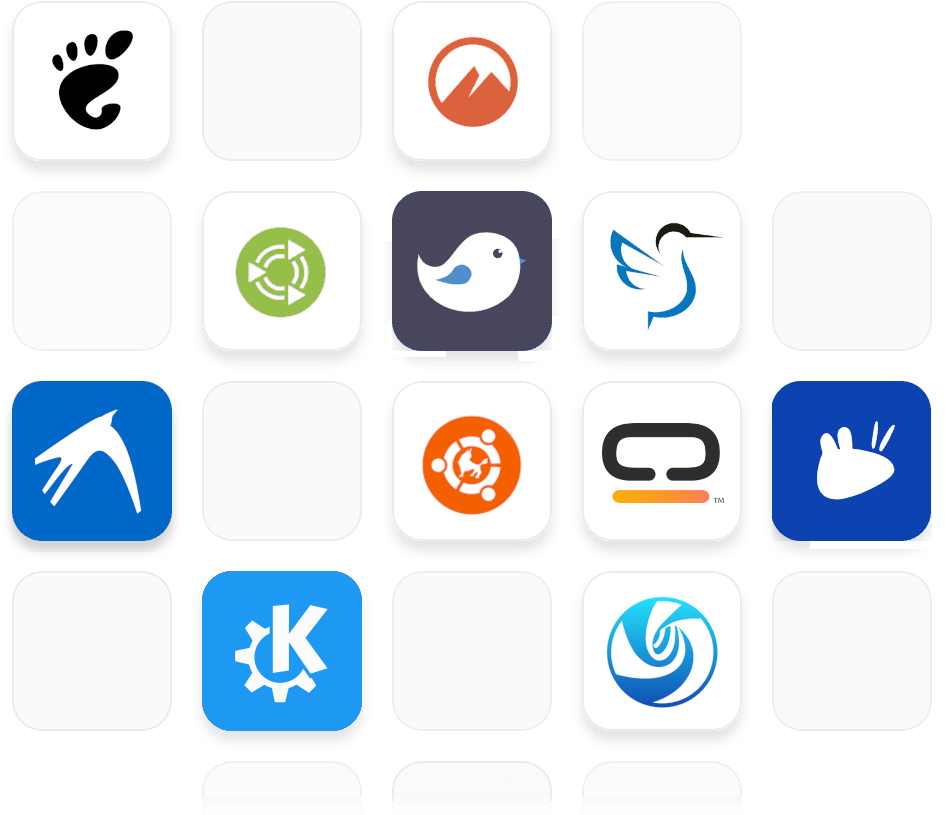
Full compatibility with GNOME, KDE Plasma, XFCE, and other popular desktop environments with appropriate theming and notification support
Direct integration with system file managers, thumbnail services, and desktop integration for streamlined user experience across different Linux distributions
Frequently Asked Questions
Find immediate answers to frequently asked questions about MediaSane's installation process, daily operational usage guidelines, advanced feature implementation, and comprehensive system compatibility requirements for different operating systems and desktop environments.
View All FAQsView All FAQs- System requirements for MediaSane
MediaSane requires Python 3.12+, PyQt6, and Linux (Ubuntu/Debian recommended). ExifTool is optional but recommended. Should run on macOS/Windows with PyQt6 installed.
- Safety and data protection features
MediaSane includes multiple safety layers: dry-run preview mode, duplicate detection by content hash, stop control, and safe temp-file moves. All operations are previewed before execution.
- Date resolution and EXIF handling
Smart date extraction: filename date → EXIF → mtime → today for comprehensive coverage across all media files
Uses exiftool for accurate metadata extraction with fallback mechanisms when EXIF data is unavailable
- Supported file formats and compatibility
Images: jpg, jpeg, png, gif, tif, tiff, bmp, webp, heic, heif. Videos: mp4, mov, m4v, avi, mkv, 3gp, webm. Automatic detection with configurable prefixes.
- Troubleshooting and support resources
Check the GitHub Issues page for known problems and community solutions to common installation and runtime challenges
Use Dry-Run mode first to preview operations and assess hashing costs before executing large folder renames