

Download MediaSane
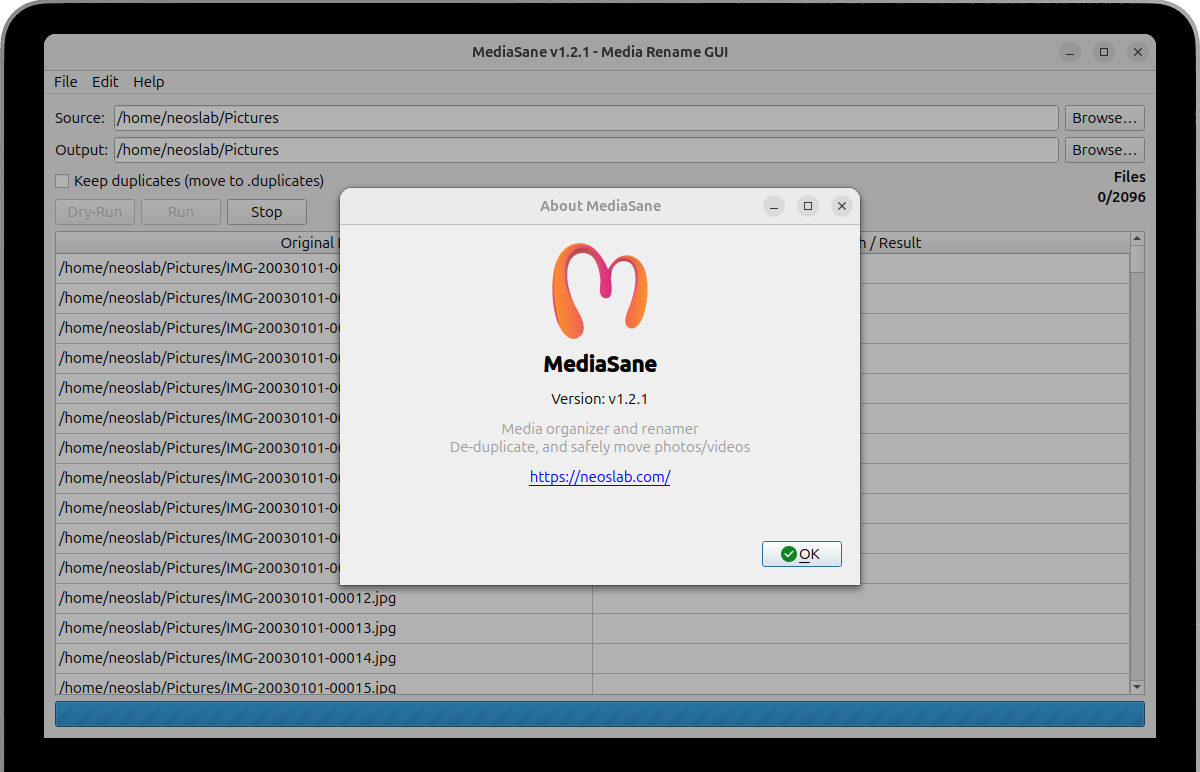
Streamline your photo/video organization with MediaSane - the intuitive GUI renaming tool that extracts EXIF dates and applies clean naming while keeping your media collection structured.
Open source and completely free
No terminal needed - full GUI operation
Installation Guide
Select your preferred installation approach to get MediaSane running on your system. MediaSane is optimized for Ubuntu 22.04, 23.04, 23.10, 24.04 24.10. Our installation process includes comprehensive dependency management, automatic configuration, and post-installation verification to ensure a smooth setup experience.
Install from DEB Package (Recommended)
Download the latest DEB package and install using dpkg. This method automatically handles dependencies.
1. Download the MediaSane package
Downloads the latest MediaSane DEB package directly from GitHub releases repository (v1.2.2)
wget https://github.com/neoslab/mediasane/releases/download/v1.2.2/mediasane_1.2.2_all.deb2. Install the DEB package
Uses dpkg package manager with sudo privileges to install MediaSane system-wide on your Ubuntu system
sudo dpkg -i mediasane_1.2.2_all.deb3. Fix missing dependencies
Automatically resolves any missing system dependencies that MediaSane requires for proper functionality
sudo apt-get install -f4. Launch MediaSane
Starts the MediaSane application directly from terminal or search for it in your system application menu
mediasaneInstall from Source
For developers or users who want the latest features. Requires Python 3.12+ and pip.
1. Clone the repository
Downloads the complete MediaSane source code repository from the official GitHub project page
git clone https://github.com/neoslab/mediasane.git2. Navigate to directory
Changes your current working directory to the MediaSane source code folder you just downloaded
cd mediasane3. Update package lists
Refreshes your system's APT package repository information to ensure access to latest packages
sudo apt update4. Install system dependencies
Installs all required system packages including Python Qt6 GUI framework bindings and EXIF tool
sudo apt install -y python3-pyqt6 exiftool5. Upgrade Python package manager
Ensures pip (Python package installer) is updated to latest version for reliable dependency installation
python -m pip install --upgrade pip6. Install Python dependencies
Installs all required Python packages and libraries from the project's requirements.txt configuration file
python -m pip install -r requirements.txt7. Run MediaSane
Starts the MediaSane application directly from Python source code without system-wide installation
python main.py8. Create desktop entry (Optional)
Adds MediaSane to your system application menu for easy launching without using terminal commands
sudo cp mediasane.desktop /usr/share/applications/Smart date resolution extracts EXIF metadata and applies clean naming while preserving file integrity throughout the renaming process
Multi-layer safety features including dry-run preview, stop control, and temp-file finalization prevent accidental data loss during renaming
Automated duplicate detection via SHA-256 hashing with time budgets and live progress tracking for efficient media organization oversight
Track latest improvements and system compatibility updates in the Release Notes
Frequently Asked Questions
Find immediate answers to frequently asked questions about MediaSane's installation process, daily operational usage guidelines, advanced feature implementation, and comprehensive system compatibility requirements for different operating systems and desktop environments.
View All FAQsView All FAQs- System requirements for MediaSane
MediaSane requires Python 3.12+, PyQt6, and Linux (Ubuntu/Debian recommended). ExifTool is optional but recommended. Should run on macOS/Windows with PyQt6 installed.
- Safety and data protection features
MediaSane includes multiple safety layers: dry-run preview mode, duplicate detection by content hash, stop control, and safe temp-file moves. All operations are previewed before execution.
- Date resolution and EXIF handling
Smart date extraction: filename date → EXIF → mtime → today for comprehensive coverage across all media files
Uses exiftool for accurate metadata extraction with fallback mechanisms when EXIF data is unavailable
- Supported file formats and compatibility
Images: jpg, jpeg, png, gif, tif, tiff, bmp, webp, heic, heif. Videos: mp4, mov, m4v, avi, mkv, 3gp, webm. Automatic detection with configurable prefixes.
- Troubleshooting and support resources
Check the GitHub Issues page for known problems and community solutions to common installation and runtime challenges
Use Dry-Run mode first to preview operations and assess hashing costs before executing large folder renames